
Themes & Dark Mode
Zen Reporter offers versatile design themes and real-time light/dark mode switching, giving engineers and stakeholders an adaptable, high-contrast visual experience in any work setting.
🎨 Design Themes
Section titled “🎨 Design Themes”Zen Reporter features three pre-built design themes built with WCAG-compliant color tokens and CSS variables:
| Theme Name | Style Description | Accent Palette |
|---|---|---|
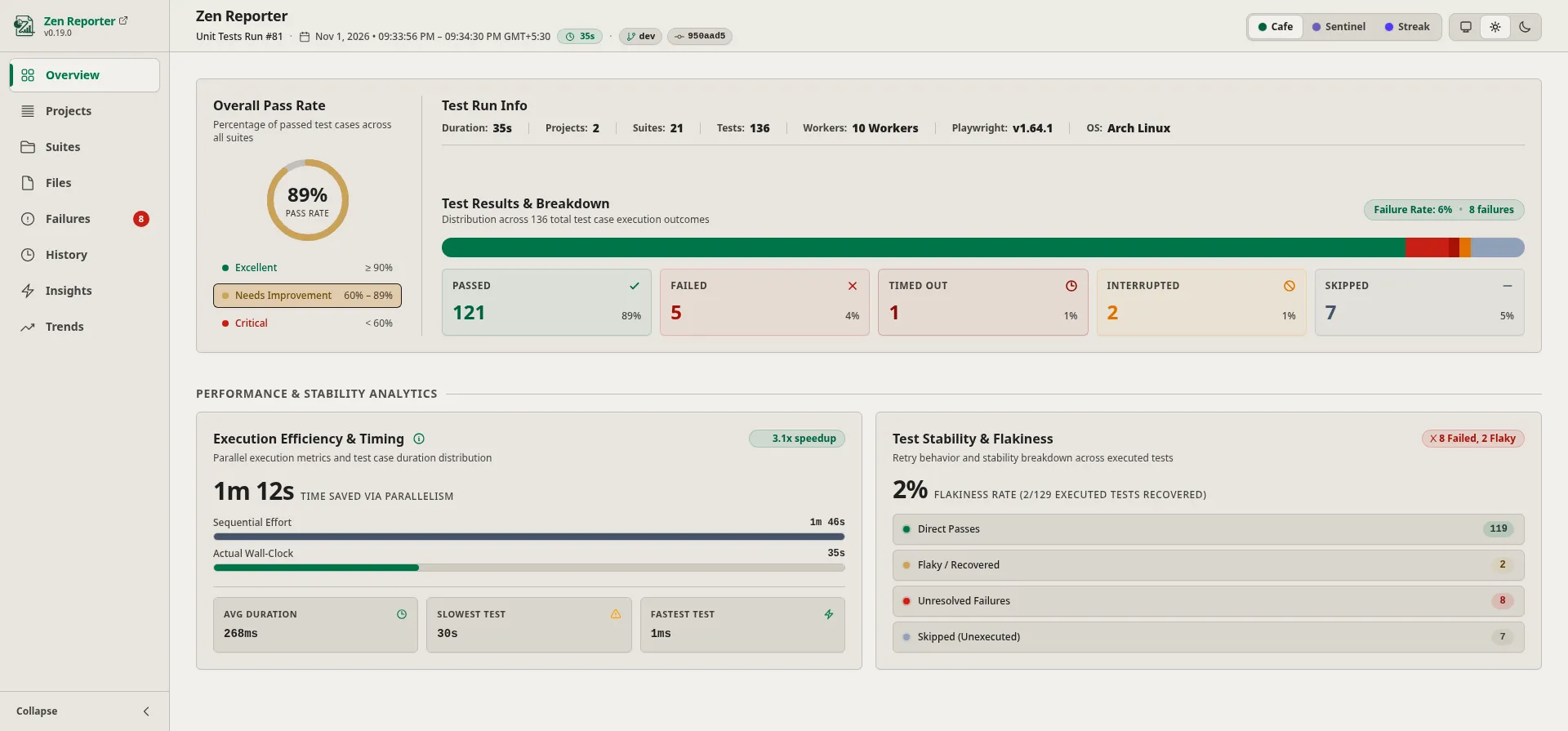
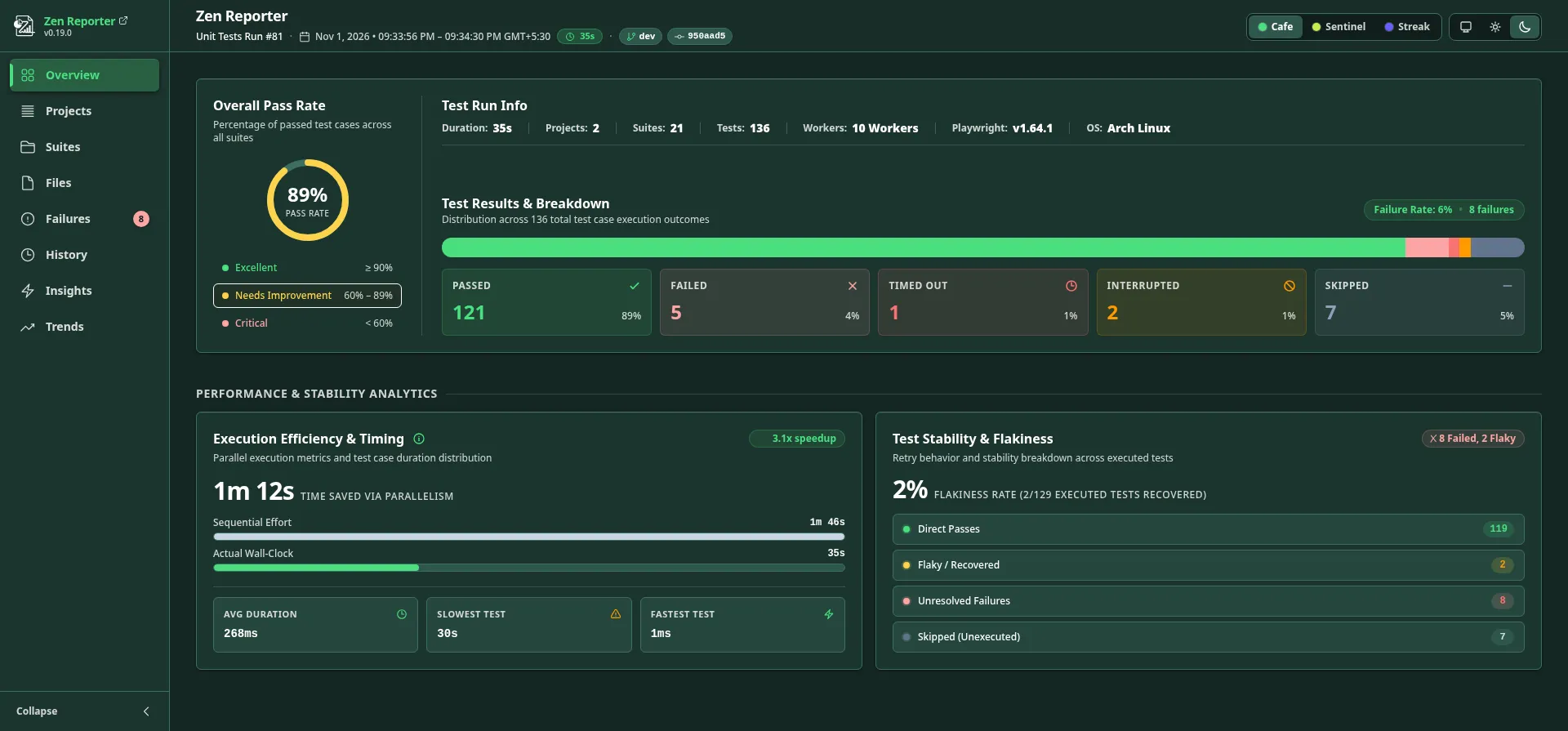
Cafe (Default) |
Warm, approachable theme featuring a four-tier green brand system layered over a warm cream canvas - inspired by Starbucks’ color palette. | Starbucks Green / Cream |
Streak |
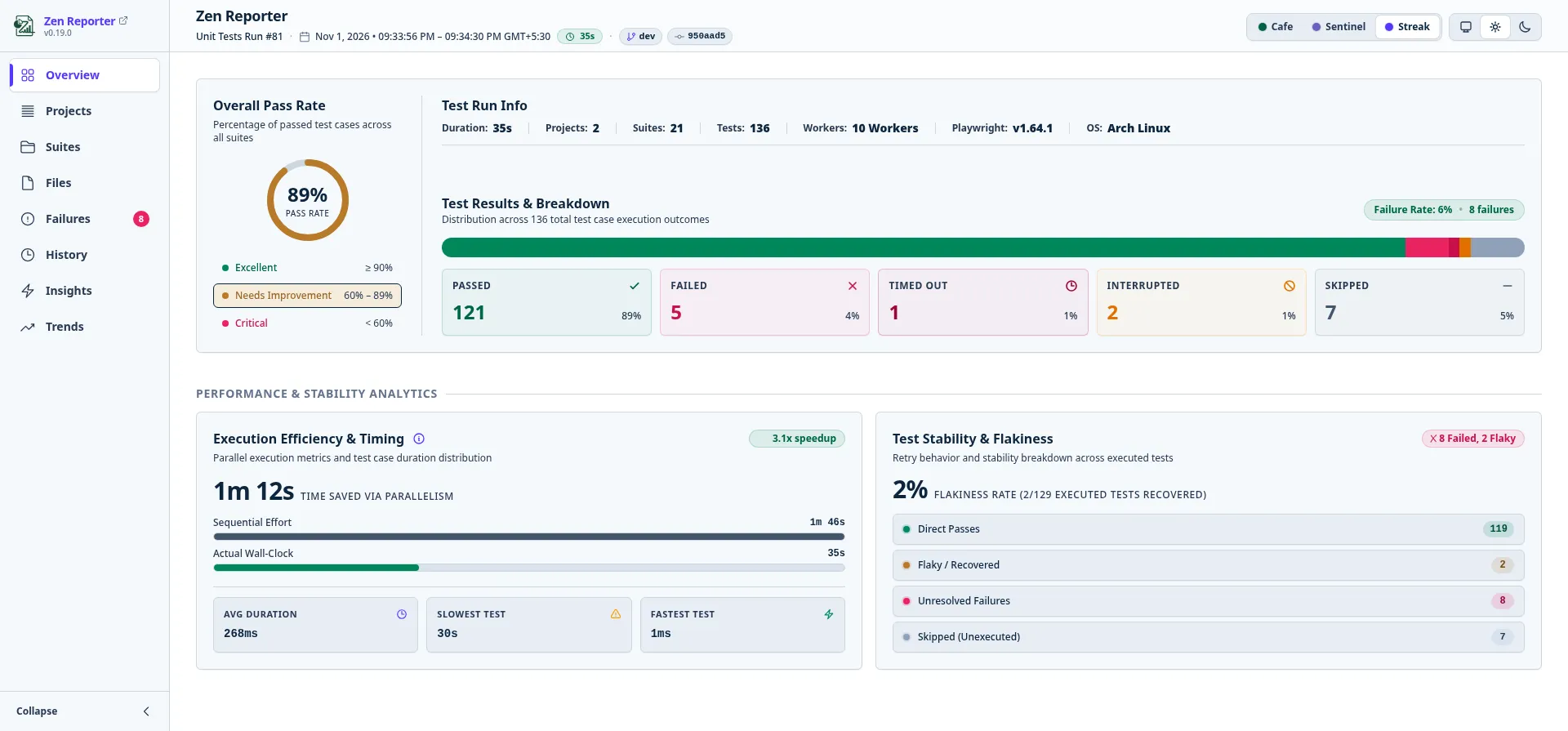
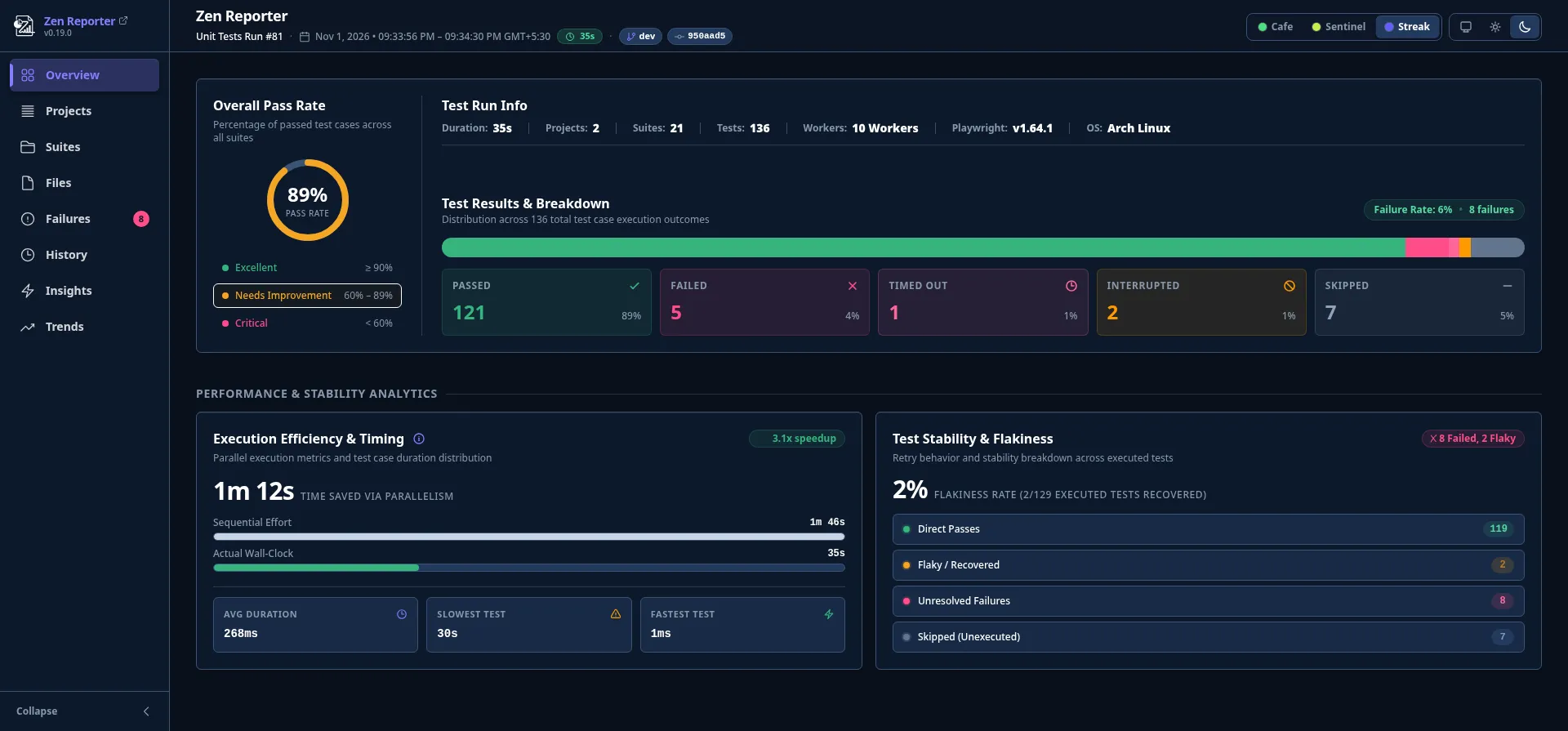
Vibrant modern tech theme with bold indigo/blue UI surfaces - inspired by Stripe’s color palette. | Blue / Indigo |
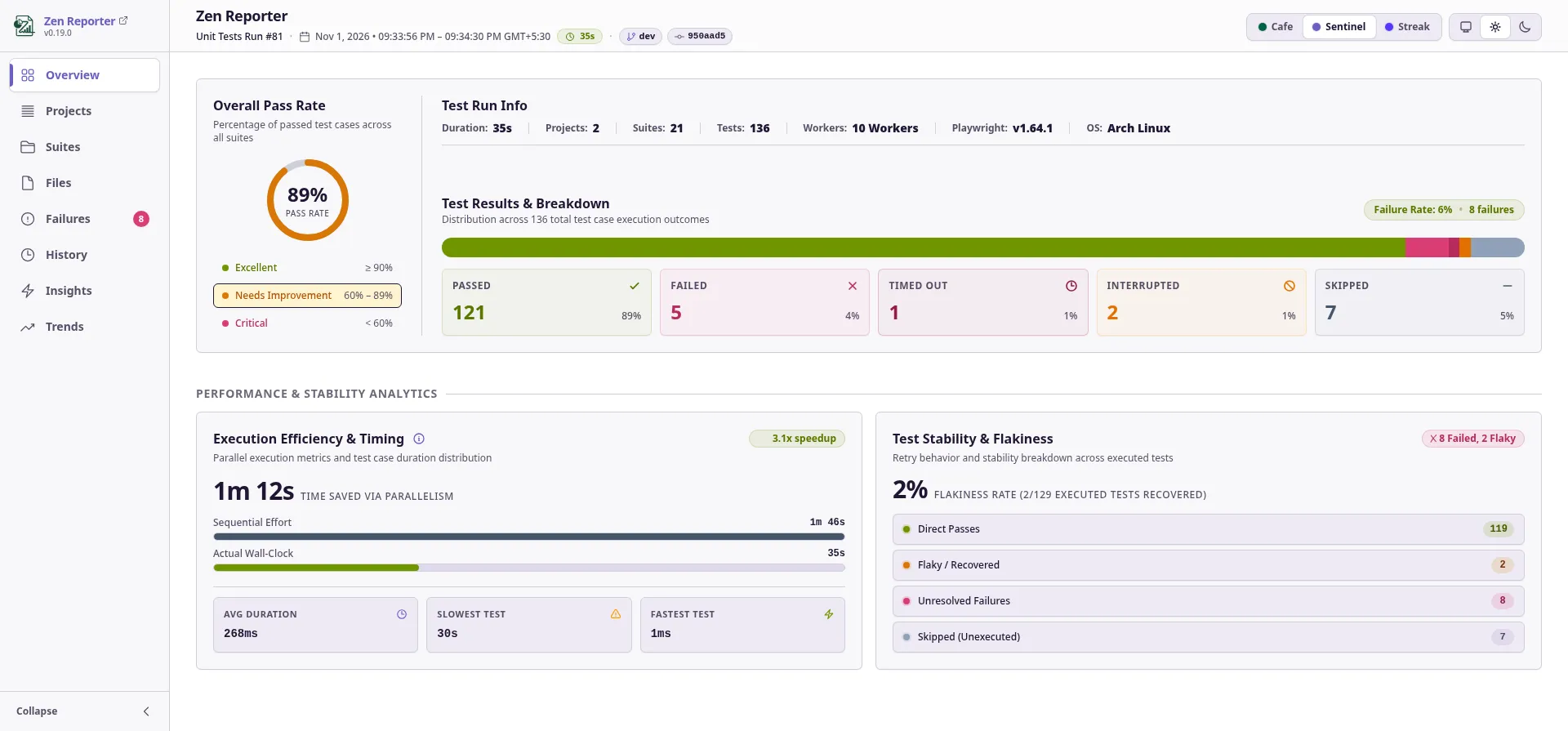
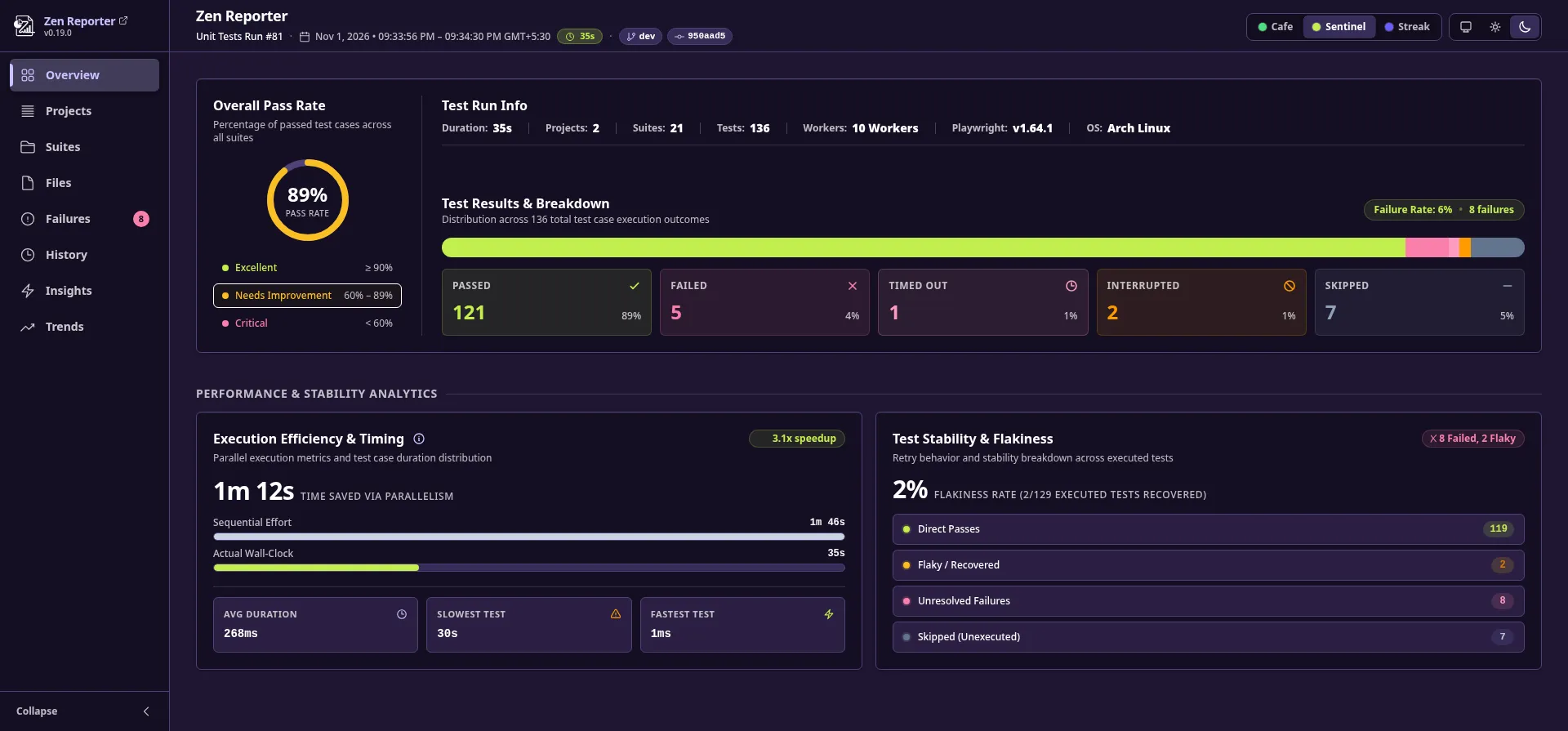
Sentinel |
High-contrast cybersecurity theme utilizing deep purple-violet midnight canvas and crisp warning accents - inspired by Sentry’s color palette. | Purple-Violet / Navy |
Cafe Theme
Section titled “Cafe Theme”Light mode:
Dark mode:
Sentinel Theme
Section titled “Sentinel Theme”Light mode:
Dark mode:
Streak Theme
Section titled “Streak Theme”Light mode:
Dark mode:
⚙️ Initial Theme & Dark Mode Setup
Section titled “⚙️ Initial Theme & Dark Mode Setup”Set default theme preferences in your playwright.config.ts:
import { defineConfig } from "@playwright/test";
export default defineConfig({  reporter: [    [      "@arpanp/zen-reporter",      {        theme: "Cafe", // 'Cafe' | 'Sentinel' | 'Streak' (default: 'Cafe')        darkMode: "system", // true | false | 'system' (default: 'system')      },    ],  ],});
🌓 Interactive UI Controls
Section titled “🌓 Interactive UI Controls”Regardless of the initial configuration set in playwright.config.ts, users viewing the report can switch visual themes or adjust appearance modes on the fly using the controls in the top header:

1. Segmented Theme Picker
Section titled “1. Segmented Theme Picker”A segmented pill control located in the top header allows instant switching between themes without reloading the page:
Cafe: Selected with a dark green dot indicator.Sentinel: Selected with a deep purple dot indicator.Streak: Selected with a bold blue/indigo dot indicator.
2. Three-Way Appearance Mode Toggle
Section titled “2. Three-Way Appearance Mode Toggle”An intuitive segmented control allowing one-click selection of your preferred display mode:
- 🖥️ System: Automatically syncs the report’s appearance with your operating system’s or web browser’s light or dark mode setting.
- ☀️ Light Mode: Forces the light background and palette.
- 🌙 Dark Mode: Forces the dark background and dark/midnight palette.